Prompt Library / real-host walkthrough
Choose. Personalize. Copy.
The gallery in ChatGPT, shown with fictional Demo data. Genuine browser-tab recording captured October 23, 2026 from Site version 21, application 2.1.0 and UI resource v12.
The video shows the actual ChatGPT app, with fictional data and no audio. Public directory submission and approval remain pending. For adults 18 or older.
Genuine browser recording · 87 seconds
Watch the gallery in ChatGPT
Browse and sort the gallery, preview Project brief, enter fictional reading-club details, copy the live prompt, and recover from an empty search. Nothing is saved or sent to the chat. This is continuous captured footage, transcoded to H.264; it is not a simulated interface or a screenshot slideshow.
Text description of the silent walkthrough
The user opens Prompt Library in ChatGPT’s isolated Demo workspace and expands the view. The gallery is sorted by title and searched for Project brief. Preview template displays its original wording and five variables. Use this template opens the editor. Fictional Northstar reading-club values fill project name, goal, audience, constraints, and success criteria. The live prompt updates and Copy prompt confirms nothing was sent to chat. An unmatched search shows No templates found; Clear filters restores the gallery. Existing templates and drafts are preserved.
The screenshots below are supporting v11 captures from the same day. The video above shows v12 on the dedicated component origin.
Step 1
Find a starting point
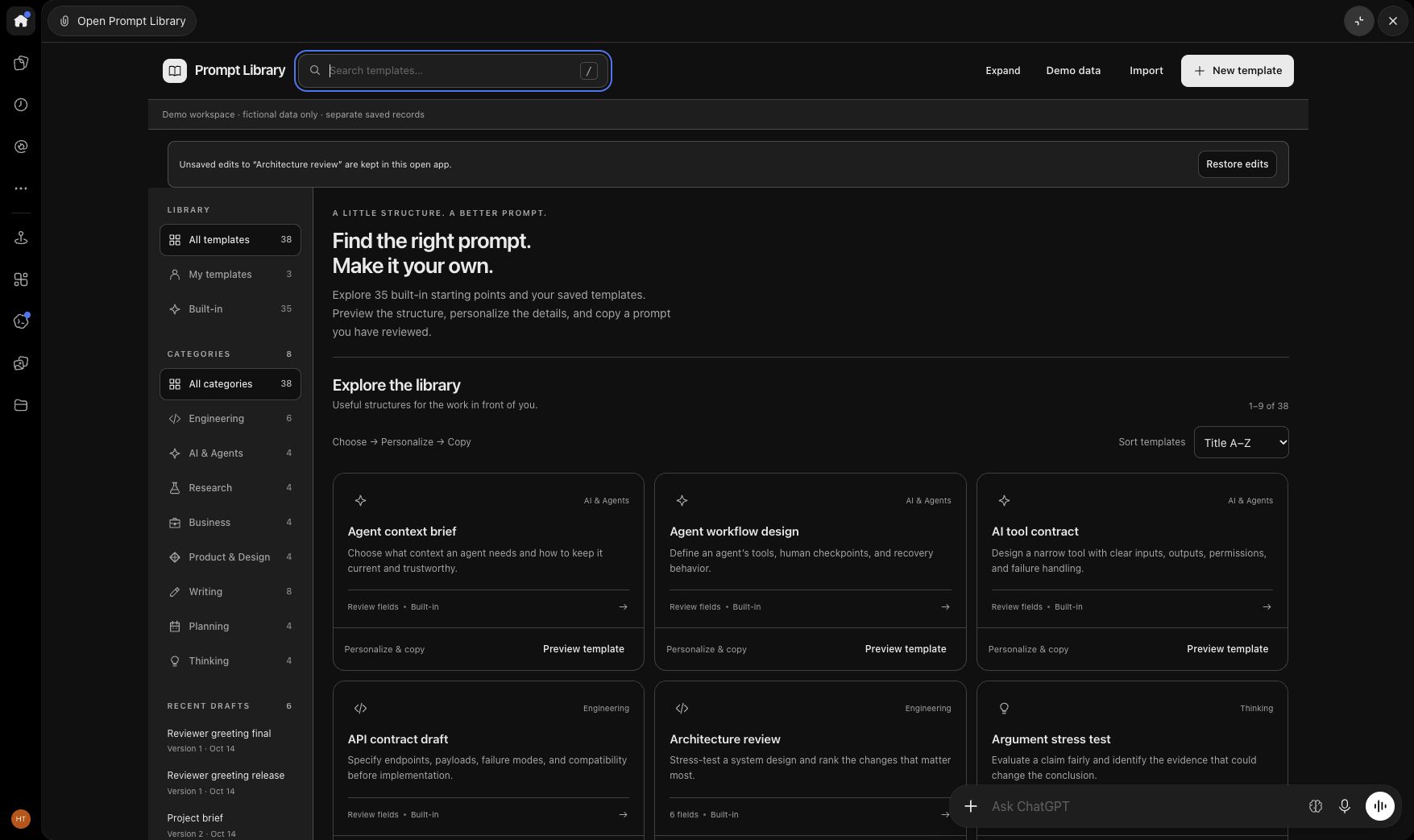
Search across templates and fields, narrow by category, or sort by title. The gallery includes 35 built-in templates and separate saved Demo examples.
Step 2
Read before choosing
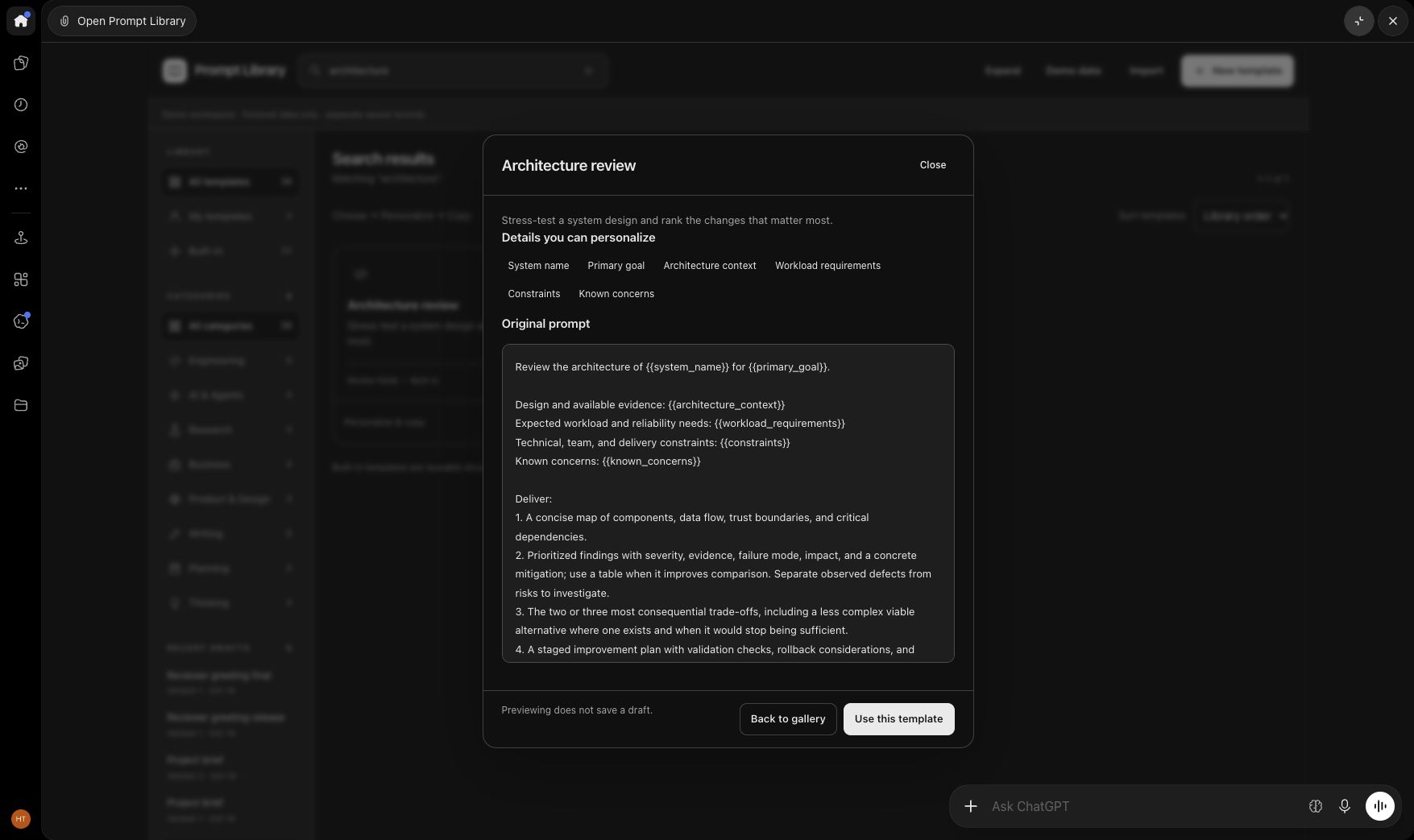
Preview the original prompt and the details you can personalize. Opening a preview does not save a draft.
Step 3
Personalize, review, copy
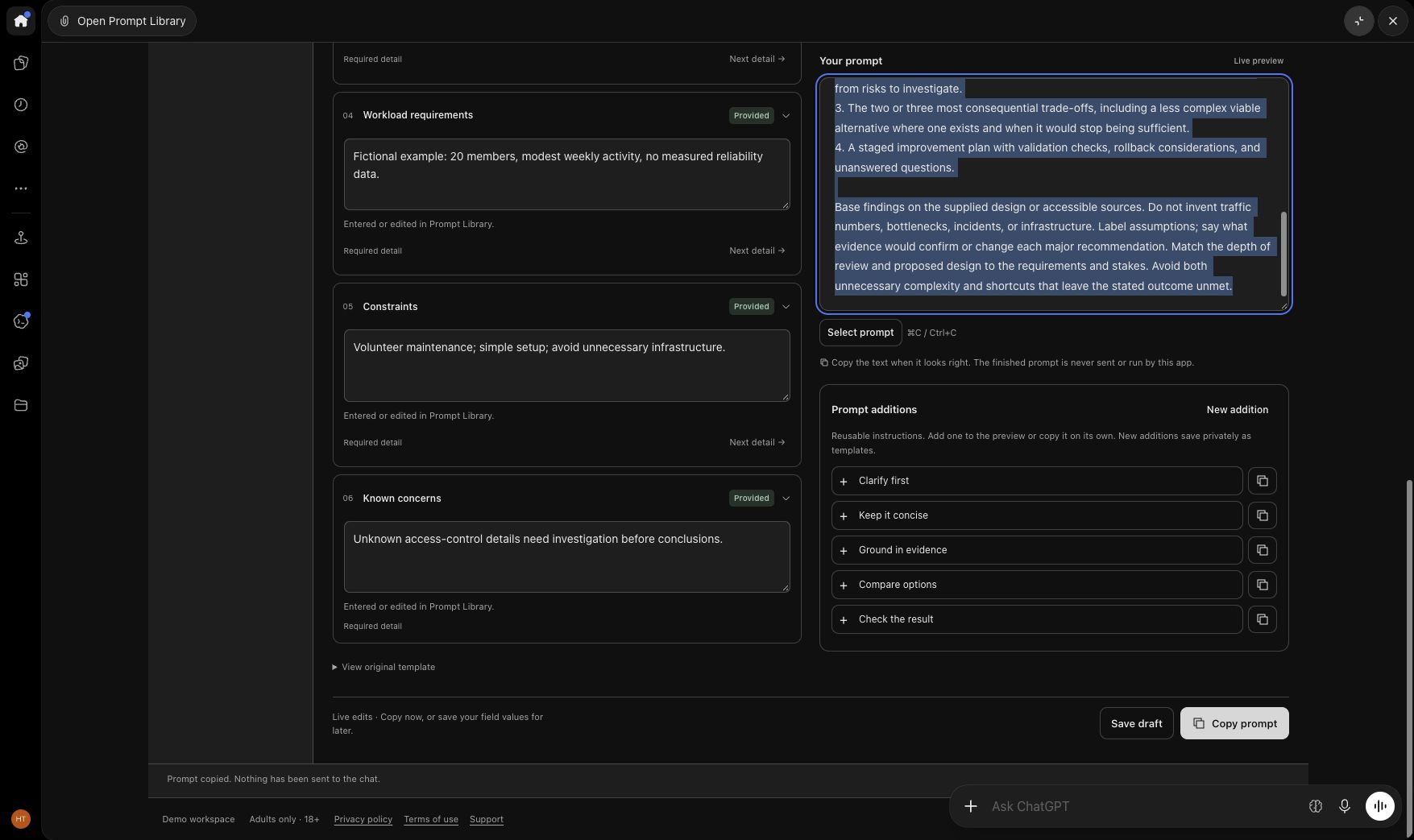
This fictional Northstar reading-club example was edited in the real ChatGPT app view. Clipboard readback confirmed the edited prompt. Nothing was saved or sent to the chat.
Step 4
Recover from an empty search
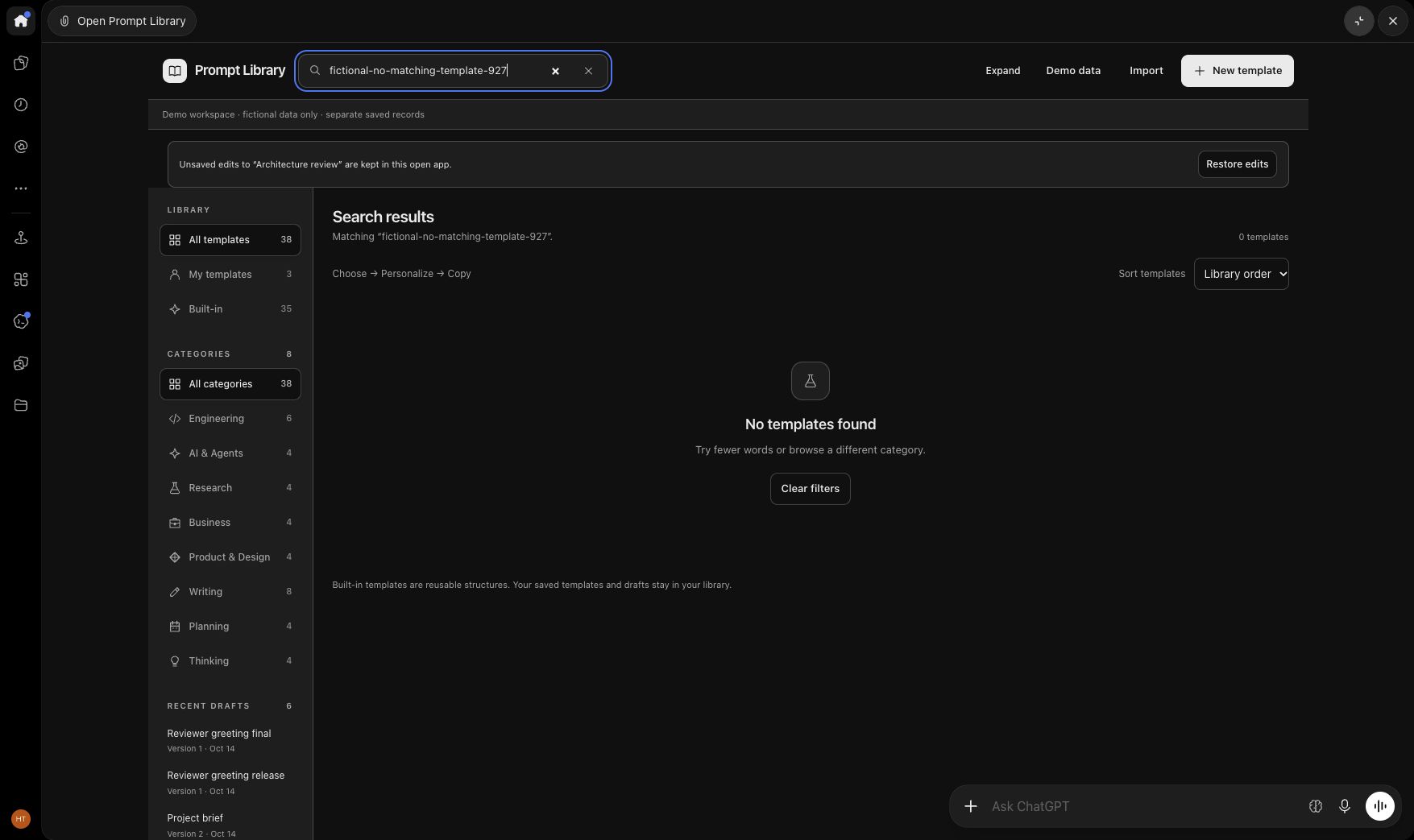
A query with no matches offers clear recovery. Clearing the search returns to the gallery without changing saved records.
Current status
The first app view failed to load during this session. Reconnecting the same account and retrying the view produced the gallery shown here. Search, sorting, preview, field editing, and copy worked; the initial-load failure remains under investigation. This walkthrough does not claim reliable first-load behavior or public availability.
A genuine replacement video is available above. Submission still requires verified reviewer access, canonical App mapping, required portal checks and owner attestations. The recorded successful flow occurred after retry; it does not resolve the initial-load failure.
Back to Prompt Library →